Note
## Gaming TV Buying Tips
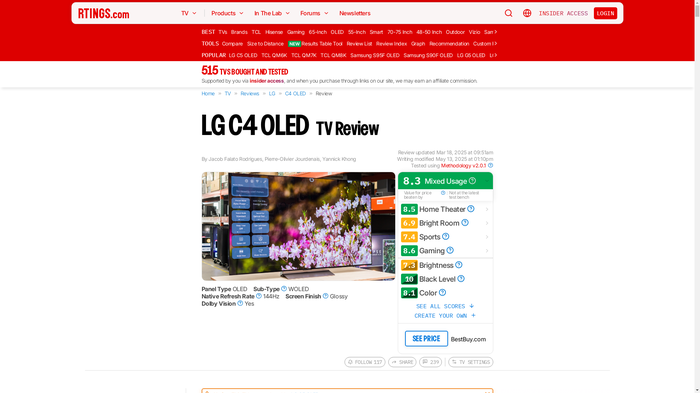
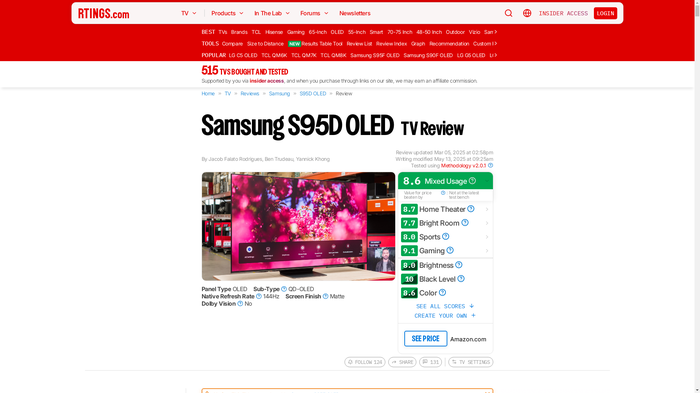
Buying a 4K gaming TV in 2025 is all about timing, smart shopping, and avoiding pitfalls to score a high-performance panel like the LG C5 OLED or Samsung S95E QD-OLED at 20-30% off. Prioritize models with HDMI 2.1 ports, low input lag under 20ms (check RTings.com or CNET for latest tests), and features like VRR (Variable Refresh Rate) for tear-free gaming. Here's your actionable guide:
### When to Buy
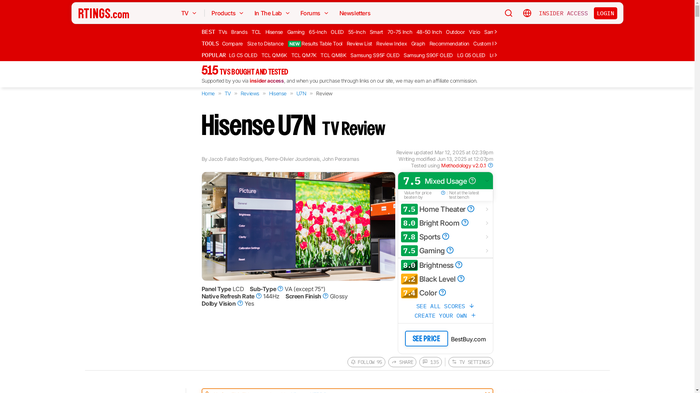
- **Target sales events:** Black Friday (November), Prime Day (July), and Super Bowl sales (February) offer the deepest discounts-expect $500-1,000 off 65-inch models like the Hisense U9N mini-LED (down to ~$1,200 from $1,700).
- **New model releases:** Shop post-CES (January) when 2024 models like the Sony Bravia 9 mini-LED clear out at 30-40% off to make room for 2025 successors.
- **End-of-quarter deals:** Retailers like Best Buy push inventory in March, June, September, and December.
### Where to Buy
- **Trusted retailers:** Best Buy, Amazon, Walmart for easy returns (30-90 days) and price matching; manufacturer sites (LG, Samsung) for direct bundles with extended warranties.
- **Warranty focus:** Always add a 3-5 year plan (~$100-200) covering burn-in on OLEDs-Geek Squad or Upsie are reliable. Avoid open-box unless from certified sellers.
### What to Check
- **In-store testing:** Demo Game Mode on a PS5/Xbox Series X-verify input lag feels instant (<10ms ideal), enable VRR/ALLM (Auto Low Latency Mode), and check firmware for fixes (e.g., LG's webOS updates).
- **Panel lottery & returns:** OLEDs like LG C5 vary slightly; test for uniformity. Confirm 30+ day returns and free delivery.
- **OLED burn-in risk:** Run static HUD test patterns in-store; prioritize pixel-shift features.
### Common Mistakes to Avoid
- Buying too small-aim for 1.5-2x your viewing distance (e.g., 65-inch for 8-10ft).
- Ignoring room lighting-OLED (LG C5) for dark rooms, mini-LED (Hisense U9N) for bright.
- Overpaying for unused features like 8K on non-PC setups.
### After Purchase
- **Optimize settings:** Enable Game Mode, disable motion smoothing (TruMotion/Soap Opera Effect), calibrate brightness/contrast via console tools (PS5 Calman).
- **Break-in & protection:** Run 100-200 hours of varied content first; set screen savers, logo dimming for OLEDs.
- **Firmware vigilance:** Update immediately for VRR stability.
Follow these, and you'll land a future-proof gaming beast without regrets. (348 words)